Web development, sometimes called website development, refers to the work involved in creating, building, and maintaining websites and web applications that run in a web browser. It can include areas such as web design, web programming, and database management, depending on the scope of the project.
Web development is closely connected to web design, which focuses on how a site looks and how users interact with it. Development, on the other hand, usually refers to how those designs are actually built and made to work through code. In simple terms, design defines the experience, while development makes it function.
The core technologies used in web development are HTML for structure, CSS for layout and visual styling, and JavaScript for interactivity and behavior. Together, these languages form the foundation of most websites on the internet.
In addition to writing code directly, developers often use tools and platforms that simplify and manage the development process. Content management systems, or CMSs, allow websites to be built and maintained without coding everything from scratch. Popular examples include WordPress, Joomla, Drupal, TYPO3, and Adobe Experience Manager.
These tools make web development more efficient and accessible, while still allowing developers to customize functionality when needed.
What Is Web Development?
In Singapore’s competitive digital landscape, your website often forms the first impression customers have of your brand. Behind every high-performing site lies the process of web design and development, the technical foundation that ensures your website looks great, functions smoothly, and delivers real business results.
Web development is the process of designing, coding, and maintaining websites or web applications. It includes everything from front-end visuals to back-end systems that power functionality. Whether you’re a small business or an established enterprise, professional web development ensures your website supports your marketing goals, attracts traffic, and converts visitors into customers.
Web development vs. web design
Web development and web design are closely related, and the two roles often collaborate. However, they focus on different parts of the website-building process and require different skill sets.
What web designers do
Web designers are responsible for how a website looks and feels to users. Their work centers on visual communication and usability.
Typically, web designers:
-
Design everything users see and interact with, including layout, color schemes, typography, and visual hierarchy
-
Work directly with clients or alongside internal teams to translate ideas and business goals into visual concepts
-
Create wireframes, mockups, and interactive prototypes to test and refine design ideas
-
Contribute to branding elements such as logos, style guides, and overall visual identity
-
Have a basic understanding of code or front-end technologies like HTML, CSS, and JavaScript, even if they don’t write production code
Their primary goal is to create an intuitive, attractive, and user-friendly experience.
What web developers do
Web developers are responsible for making those designs actually work. They focus on functionality, performance, and technical implementation.
Web developers typically:
-
Write the code that powers websites and web applications, whether on the front end, back end, or both
-
Turn design files and specifications into fully functional websites
-
Work with databases, servers, APIs, and application logic
-
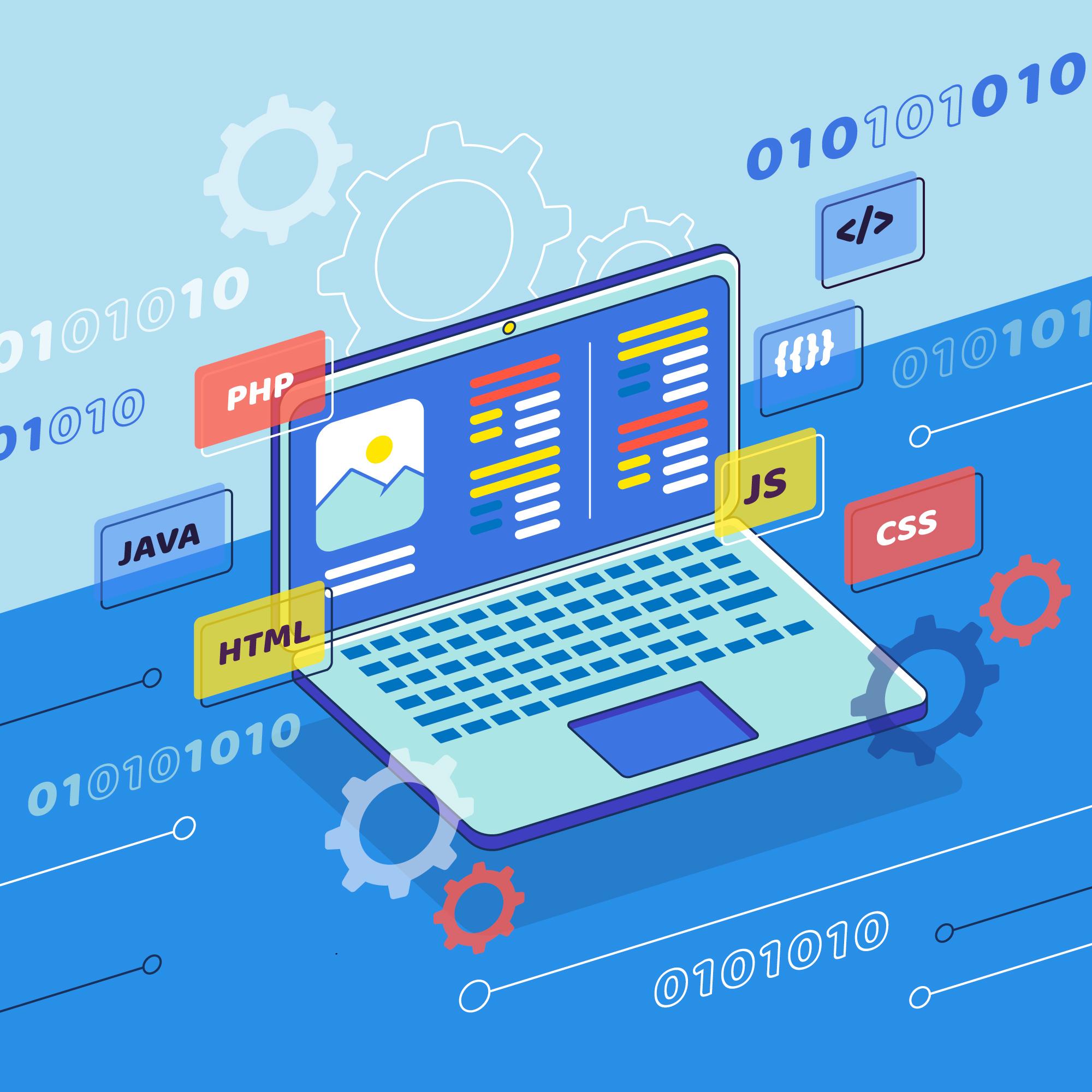
Require strong, hands-on knowledge of programming languages such as HTML, CSS, JavaScript, and PHP, often extending to other languages, frameworks, and libraries
-
Rarely work on visual design tasks like choosing colors, typography, or layout styles
Their primary goal is to ensure the website functions correctly, efficiently, and securely.
What are the most common programming languages in web development?
Web development relies on a small set of core technologies that work together to create everything users see and interact with in a browser. While there are many languages and frameworks involved in modern development, almost every website is built on three foundational ones:
-
HTML
-
CSS
-
JavaScript
Each plays a distinct role, and understanding how they fit together is key to understanding how the web works.
HTML (Hypertext Markup Language)
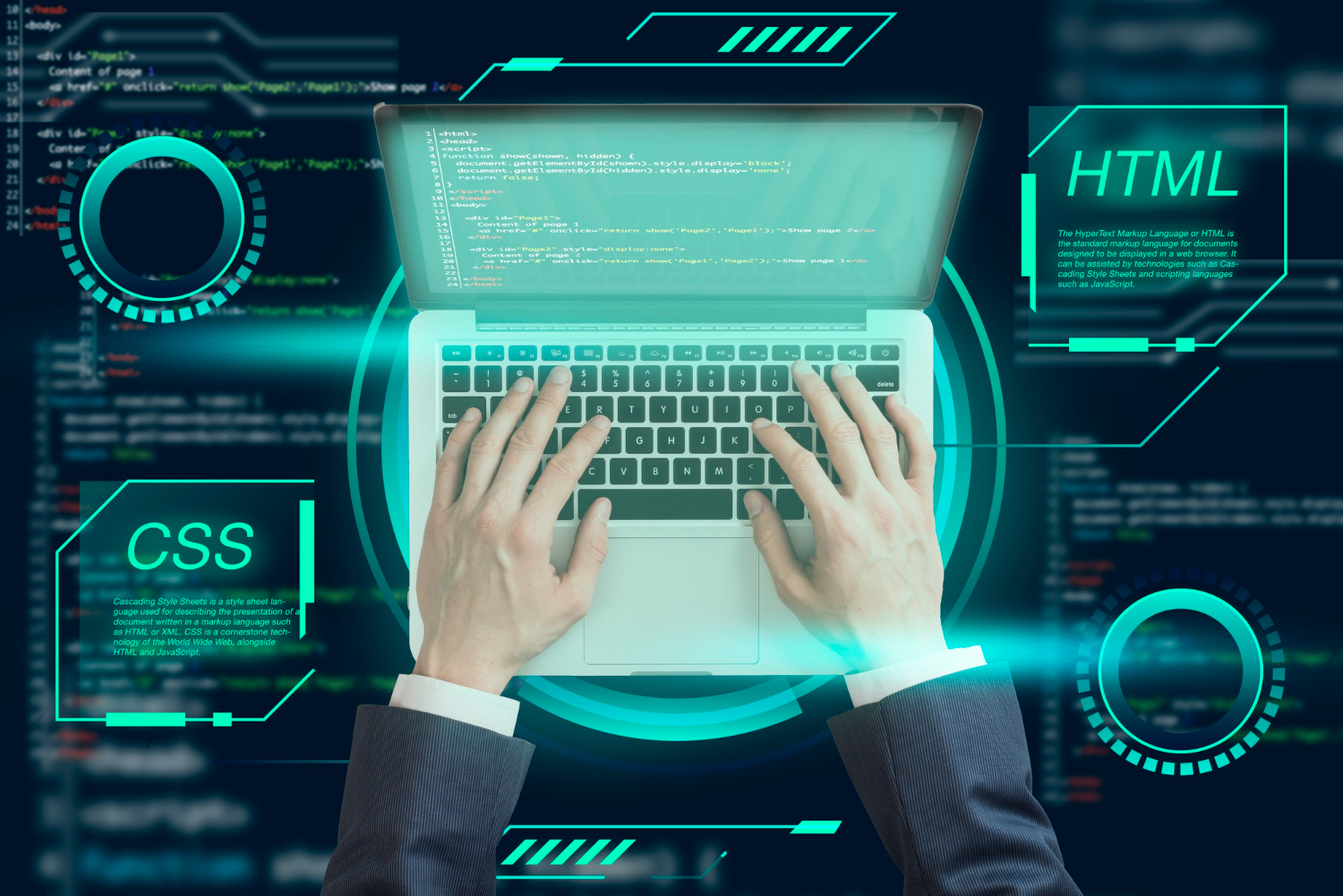
HTML is the backbone of every website. It defines the structure and content of a web page.
Using HTML, developers specify elements such as:
-
Headings and paragraphs
-
Links and navigation menus
-
Images, videos, and other media
-
Forms, inputs, and buttons
HTML does not control how things look or behave. Instead, it answers the question: what is this content? For example, whether something is a heading, a list, or a block of text.
Without HTML, there is no page structure for browsers, search engines, or assistive technologies to interpret.
CSS (Cascading Style Sheets)
CSS controls how the website looks.
While HTML defines structure, CSS defines presentation. With CSS, developers and designers control:
-
Colors, fonts, and typography
-
Spacing, alignment, and layout
-
Responsive behavior across devices and screen sizes
-
Animations and visual transitions
CSS allows a single HTML structure to be displayed differently on desktop, tablet, or mobile devices. It also makes it possible to maintain consistent branding and visual style across an entire website.
In short, CSS turns raw content into a polished, usable interface.
JavaScript
JavaScript brings interactivity and behavior to websites.
It allows pages to respond to user actions and change dynamically without requiring a page reload. Common uses of JavaScript include:
-
Interactive menus and dropdowns
-
Form validation and error handling
-
Dynamic content loading (e.g., infinite scroll, live search)
-
Animations and UI interactions
-
Communication with servers via APIs
JavaScript runs directly in the browser, making websites feel more like applications than static documents. It also powers many modern frameworks and libraries used to build complex web apps.
Types of Web Development
Web development can be divided into three main types: front-end, back-end, and full-stack development. Each plays a unique role in creating a complete, functional website.
1. Front-End Development
Front-end development is responsible for everything users see and interact with. Using languages like HTML, CSS, and JavaScript, front-end developers bring web designs to life ensuring a visually appealing and mobile-friendly experience.
Key aspects of front-end development include:
-
Responsive layouts for mobile and desktop
-
Smooth animations and intuitive navigation
-
Accessibility and performance optimisation
At MediaPlus, our developers work closely with designers to translate visual concepts into fast, user-friendly websites that reflect your brand identity.
2. Back-End Development
Back-end development manages the “behind-the-scenes” functionality of your website. This includes databases, servers, and APIs that ensure your site performs reliably.
Back-end developers typically use:
-
PHP, Python, or Node.js for server-side logic
-
MySQL or MongoDB for database management
-
APIs and integrations to connect with third-party platforms
Without a strong back-end, even the most beautiful website can fail to function properly.
3. Full-Stack Development
Full-stack developers handle both front-end and back-end development, offering a complete end-to-end service. They build, test, and maintain the entire website, ensuring all components work seamlessly together.
MediaPlus’ full-stack team delivers complete web solutions ideal for Singapore SMEs that prefer one partner managing both design and technology.
Partner With MediaPlus Digital – Your Web Development Agency in Singapore
As a leading web design company in Singapore, MediaPlus Digital has helped hundreds of businesses transform their online presence. From corporate websites to full-scale e-commerce solutions, we deliver websites that are fast, responsive, and built for conversion.
Our core services include:
-
Custom Web Application Development
Let us help you create a website that grows with your business. Contact MediaPlus Digital to start your project today.
Frequently Asked Questions (FAQ)
1. What is web development?
Web development is the process of building, coding, and maintaining websites to ensure they function effectively and provide a great user experience.
2. What are the main types of web development?
There are three key types: front-end, back-end, and full-stack development.
3. How long does it take to develop a website?
For most small to mid-sized projects, it typically takes between 4 to 8 weeks, depending on features and content requirements.
4. What platforms do MediaPlus developers use?
We specialise in WordPress and Shopify development, providing scalable and user-friendly solutions.
5. Why choose MediaPlus for web development in Singapore?
With over a decade of experience, our team delivers SEO-optimised, high-performing websites that help businesses achieve digital growth.